Archiving a club
This guide is for admins who want to hide an inactive club without losing data. Archiving removes the club from your active list, and you can unarchive later to restore access.
- Open the club you want to archive.
- Click Edit.
- Click Archive.
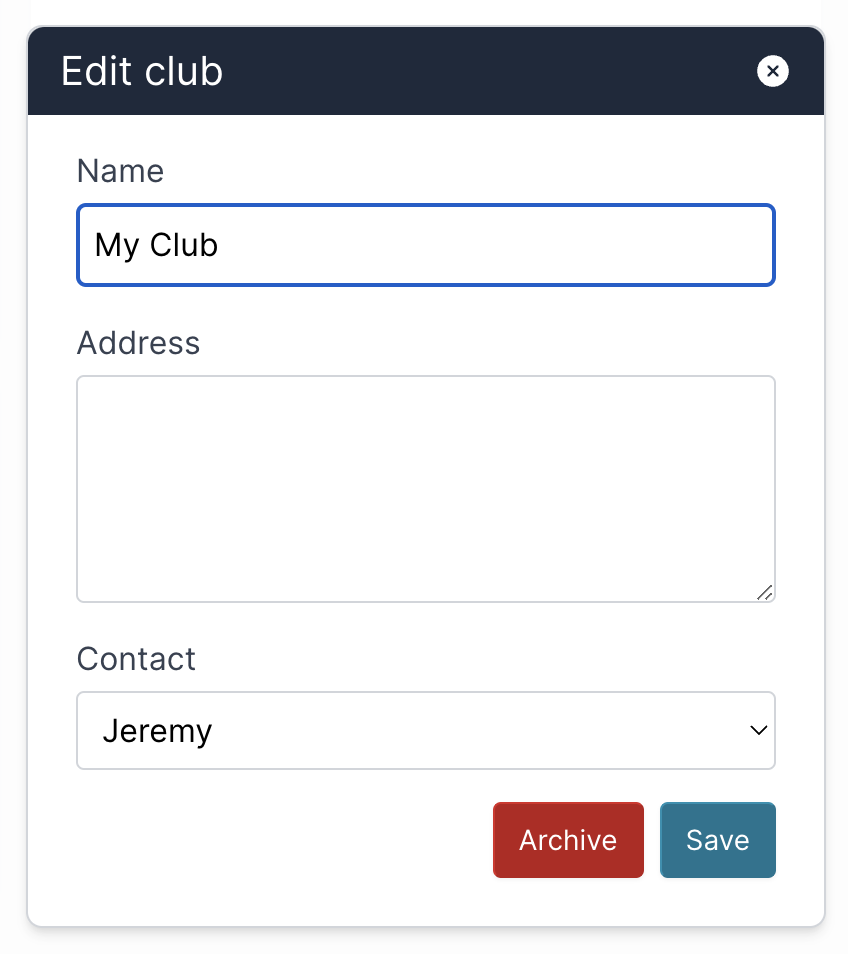
Expected result
- The club is hidden from your active clubs list.
- Historical club data stays preserved.
- You can restore the club later by unarchiving it.
Unarchiving a club
- Open your clubs list.
- Show archived clubs (if a filter is available).
- Open the archived club.
- Click Unarchive or Restore.
Troubleshooting
- Archived club not visible: Check whether your clubs list is filtered to active-only.
- Cannot archive or unarchive: Confirm you have permission to edit the club.
- Unsure if data is lost: Archiving hides the club, but the data remains available after restore.